Less screen timeMore park time

Parkbench is a gentler way to reduce screen timeBench your most distracting appsWatch your park come to life

More than one way to bench

Mix and match up to four ways to quiet your noisiest apps
9:41
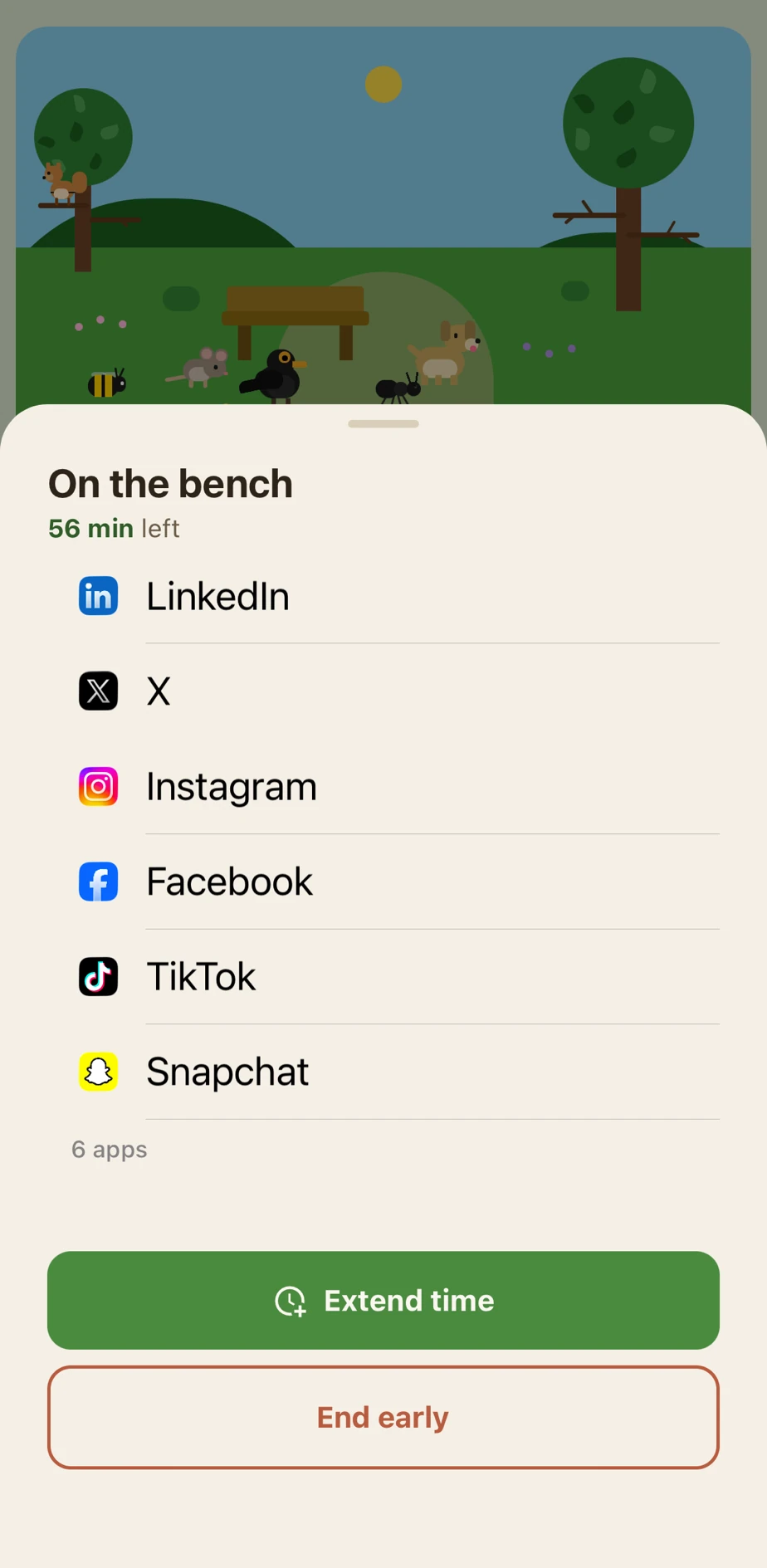
Parkbench manual bench in progress with apps blocked while the focus park fills with animals
9:41
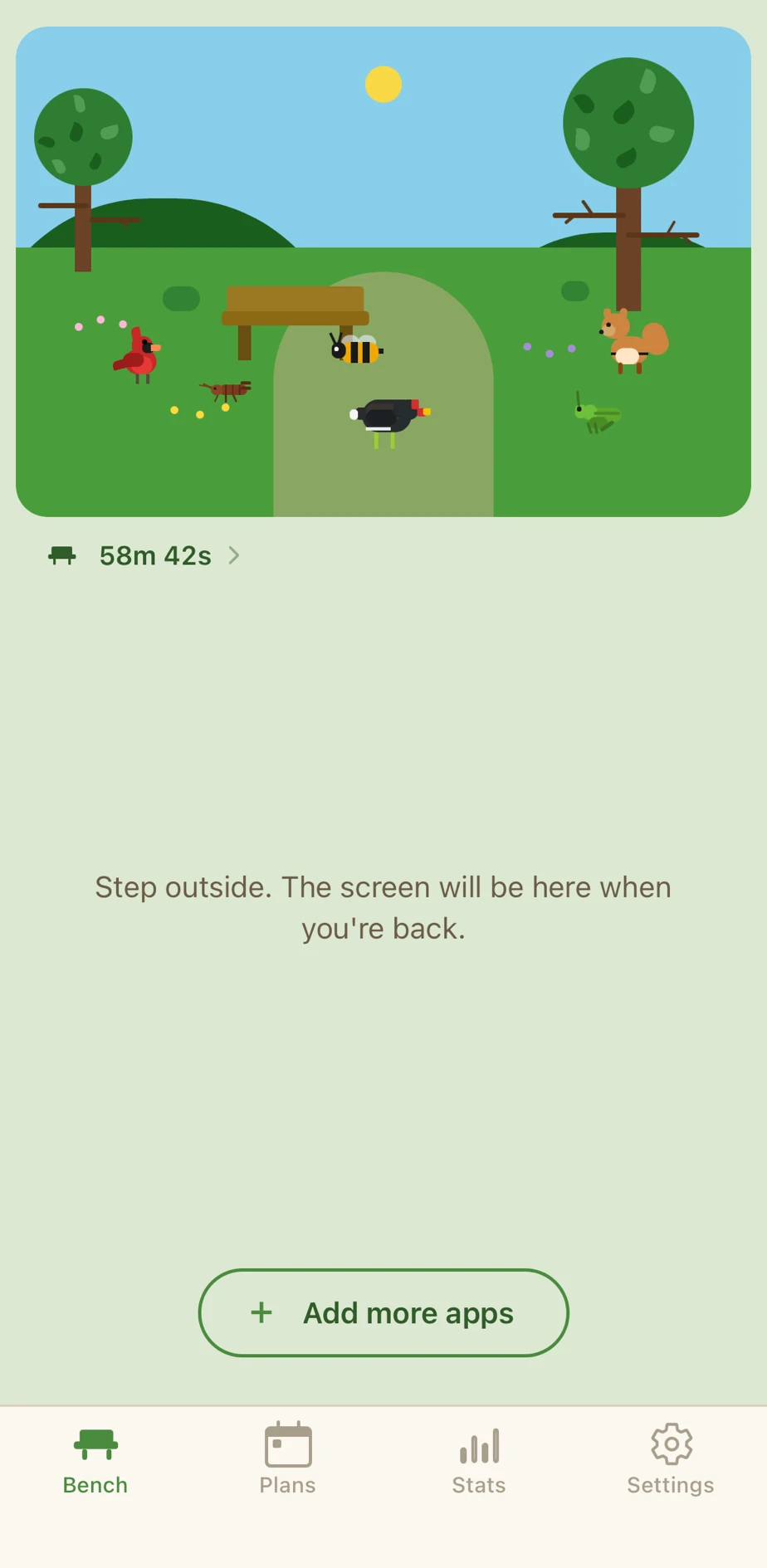
Parkbench home screen showing the focus park scene during an active bench

Bench apps on demand

For when you want to focus right now, no planning ahead

  1. 1Select which apps and websites to bench
  2. 2Set a duration
  3. 3Relax
For one hour

Deep work

Bench social and news, and get a clear hour to focus

30 min a day

Keep one in check

Give the app you overuse a daily allowance

Tap to start

At the table

Tap a tag as you sit down to eat

9 PM to 6 AM

Wind down

Let the noisy apps go quiet every night

A bench for every kind of day

From a focused morning to a quiet night, a few moments worth a bench
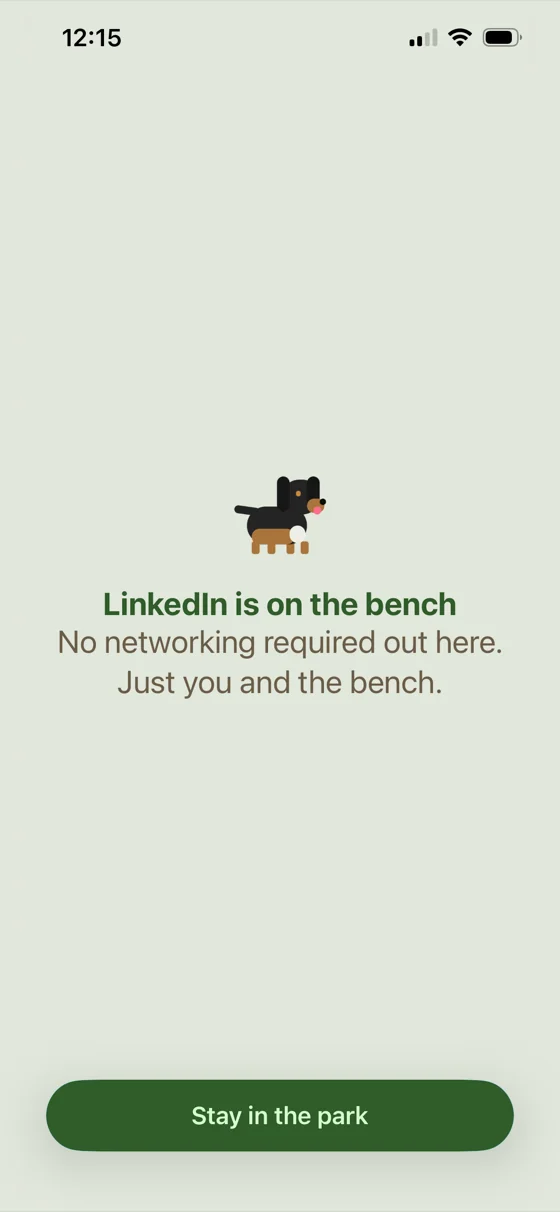
Parkbench block screen for LinkedIn: a dachshund with “No networking required out here. Just you and the bench.”
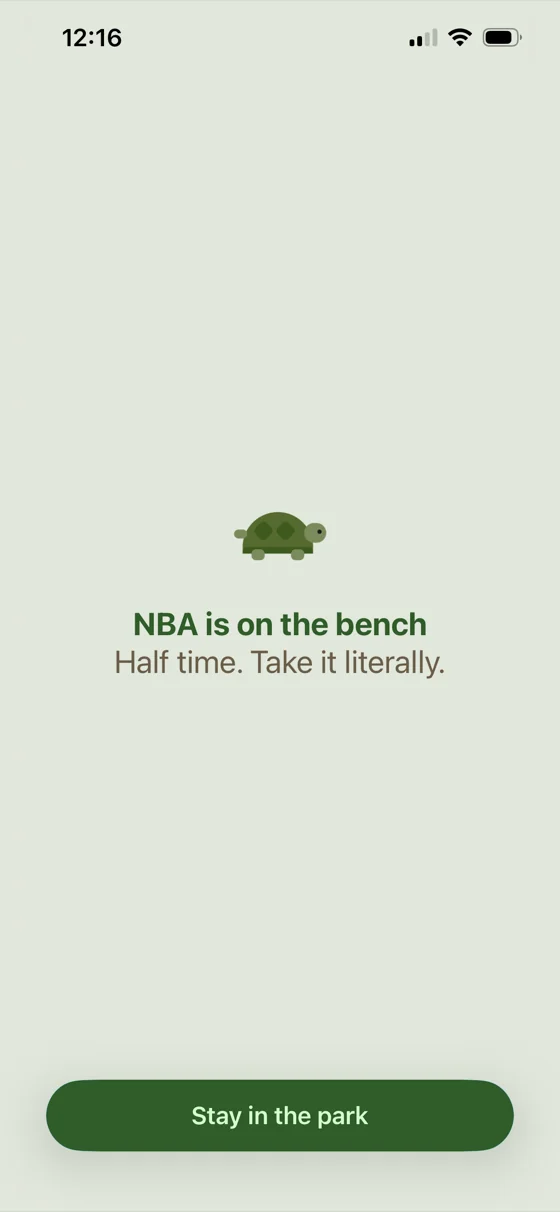
Parkbench block screen for the NBA app: a turtle with “Half time. Take it literally.”
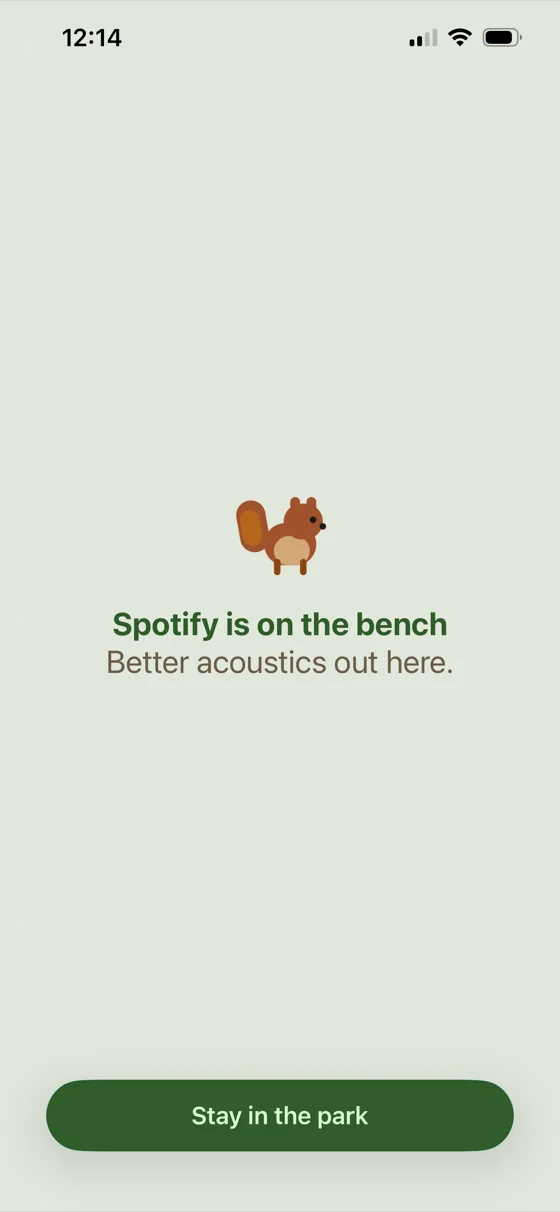
Parkbench block screen for Spotify: a squirrel with “Better acoustics out here.”
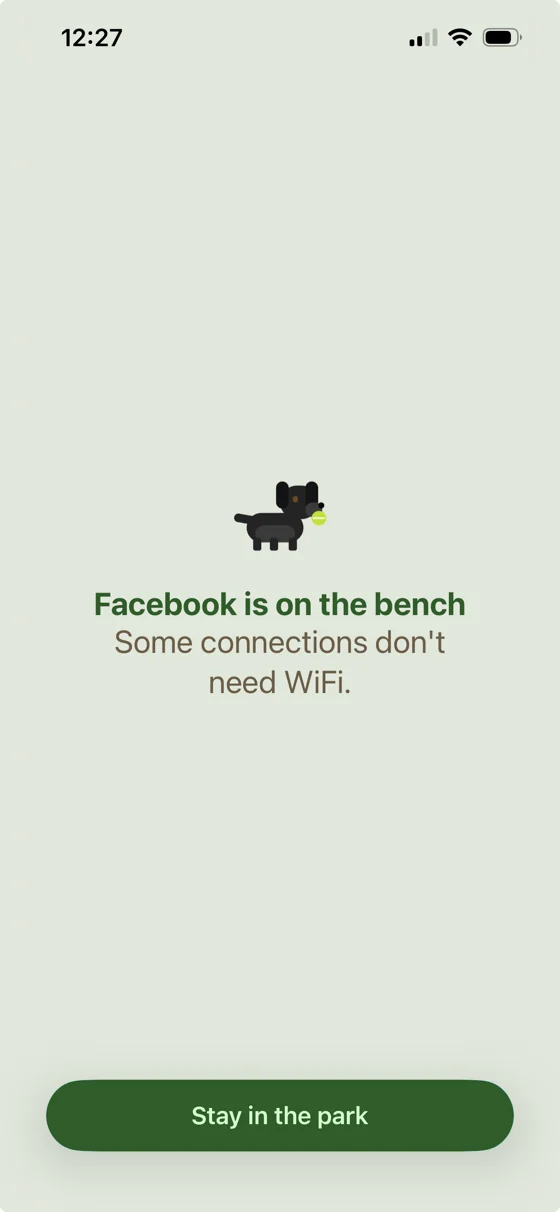
Parkbench block screen for Facebook: a black dog with a tennis ball and “Some connections don't need WiFi.”
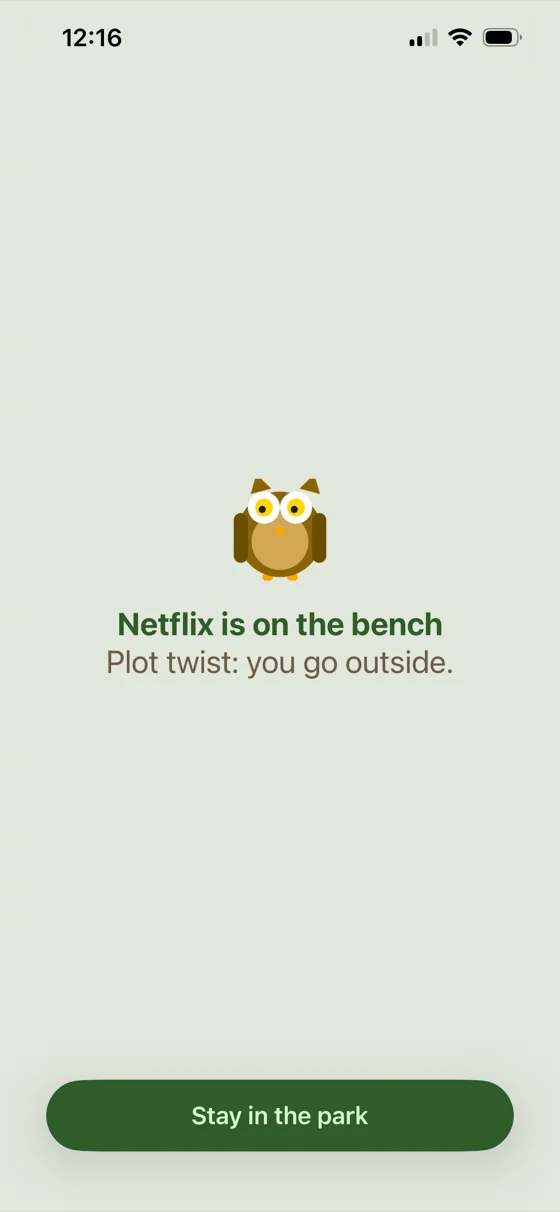
Parkbench block screen for Netflix: an owl with “Plot twist: you go outside.”
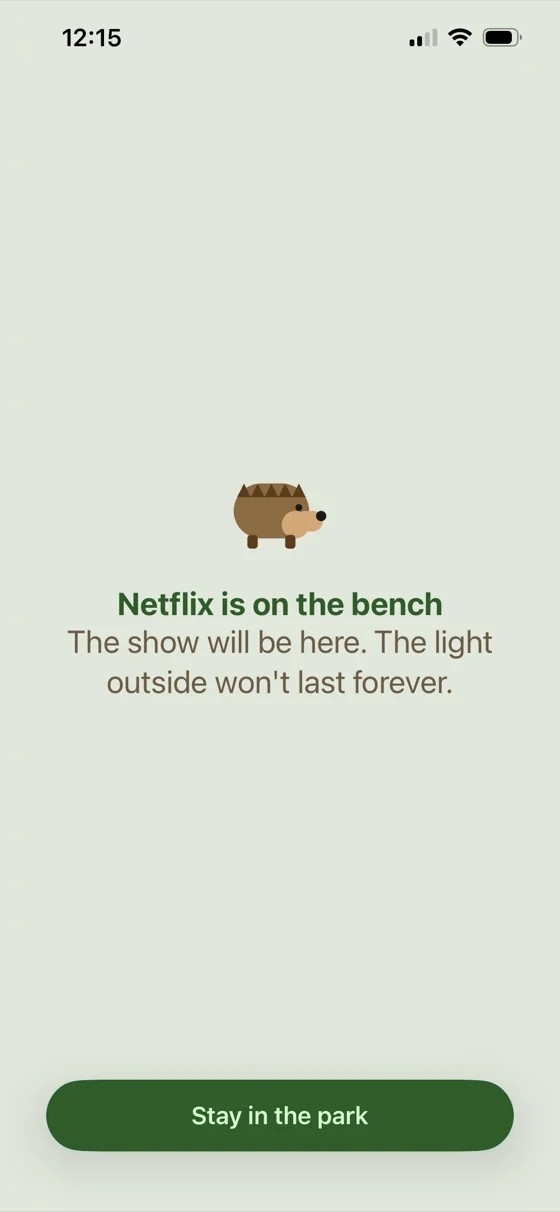
Parkbench block screen for Netflix: a hedgehog with “The show will be here. The light outside won't last forever.”
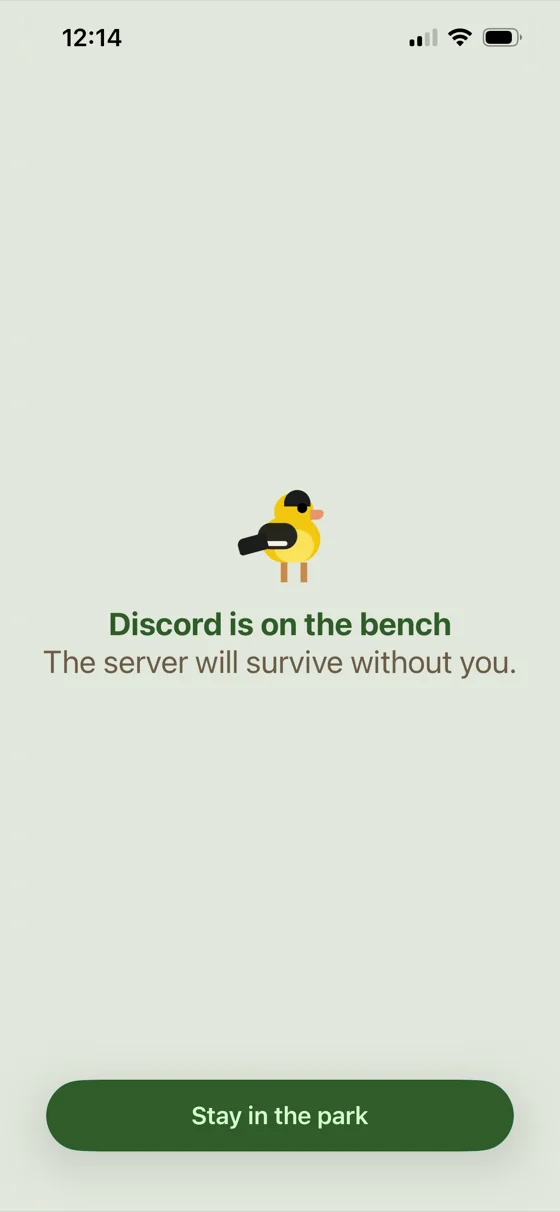
Parkbench block screen for Discord: a goldfinch with “The server will survive without you.”
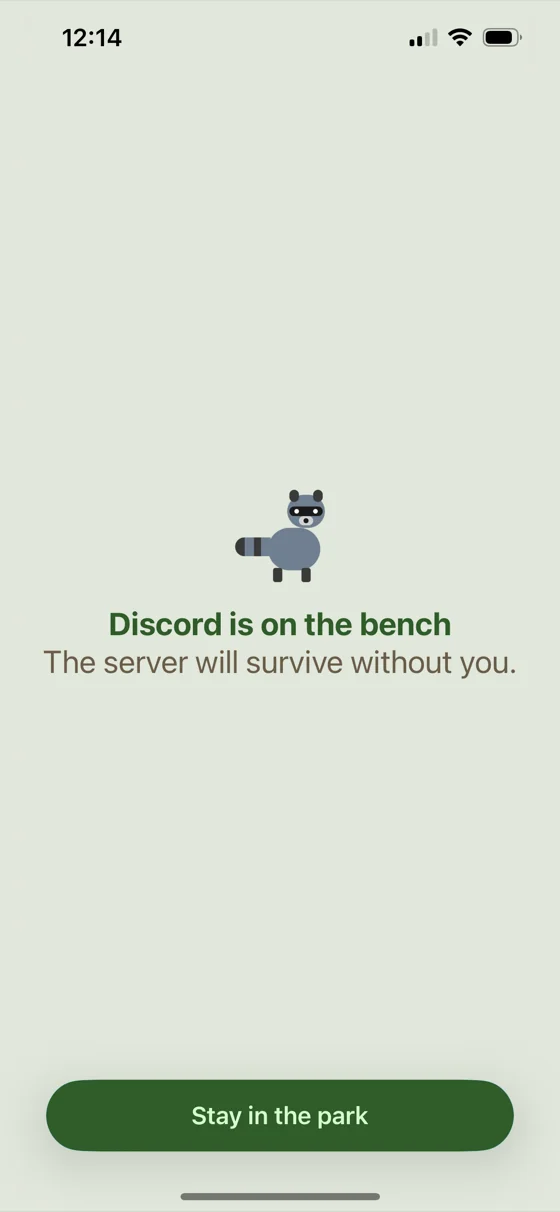
Parkbench block screen for Discord: a raccoon with “The server will survive without you.”
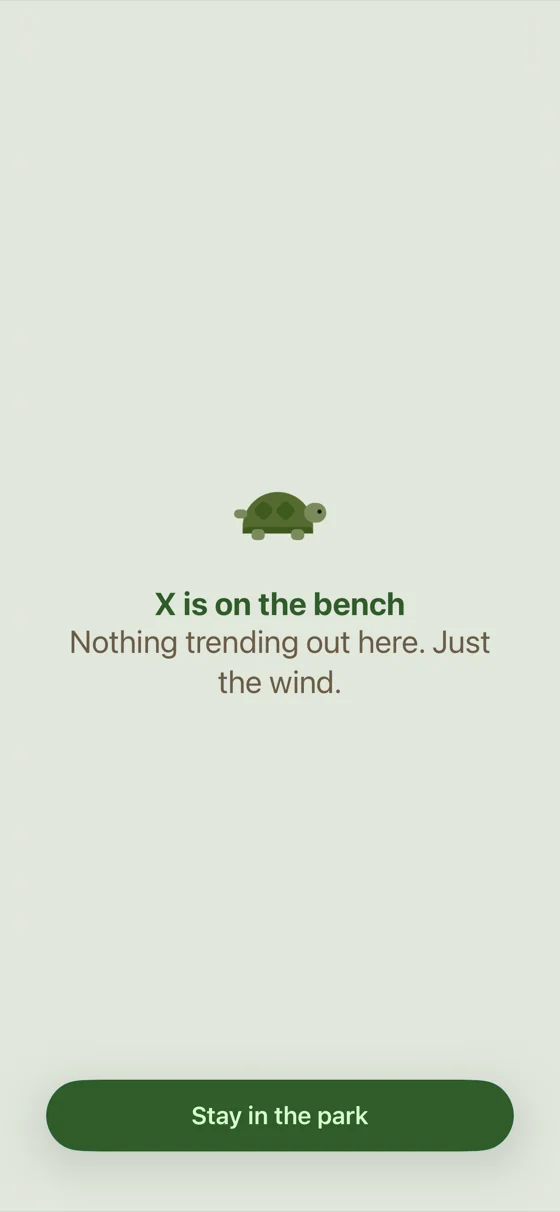
Parkbench block screen for X: a turtle with “Nothing trending out here. Just the wind.”
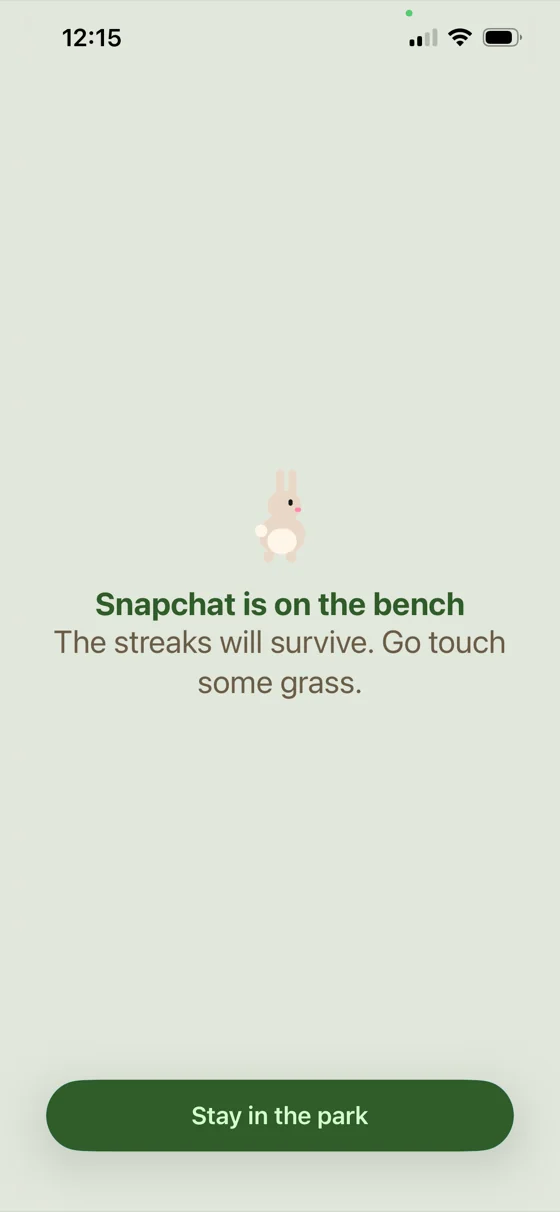
Parkbench block screen for Snapchat: a rabbit with “The streaks will survive. Go touch some grass.”
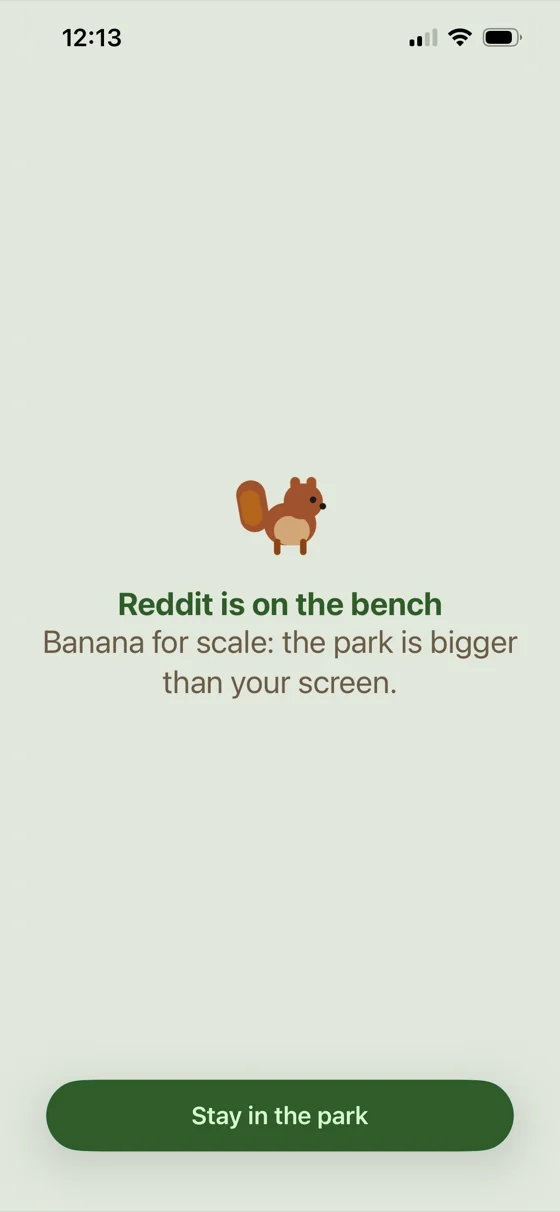
Parkbench block screen for Reddit: a squirrel with “Banana for scale: the park is bigger than your screen.”
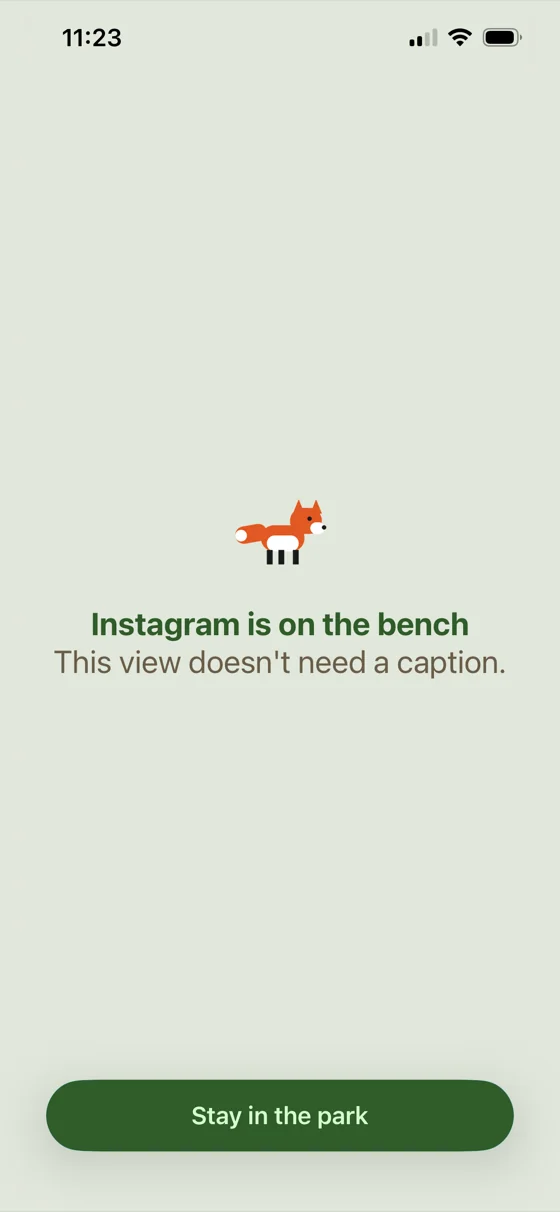
Parkbench block screen for Instagram: a fox with “This view doesn't need a caption.”
Parkbench block screen for Spotify: a squirrel with “Better acoustics out here.”
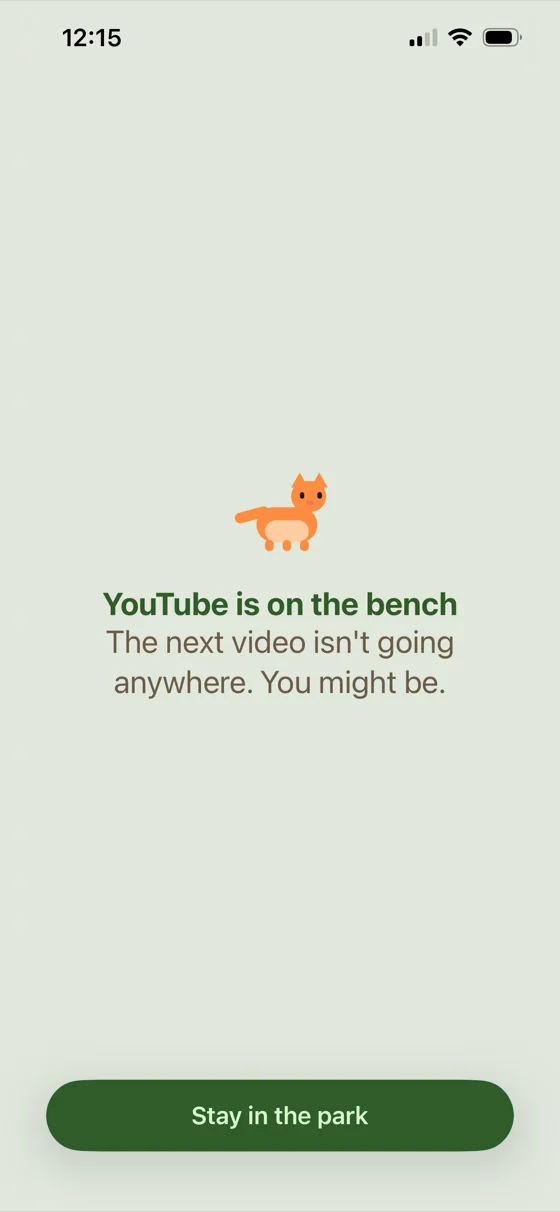
Parkbench block screen for YouTube: a cat with “The next video isn't going anywhere. You might be.”
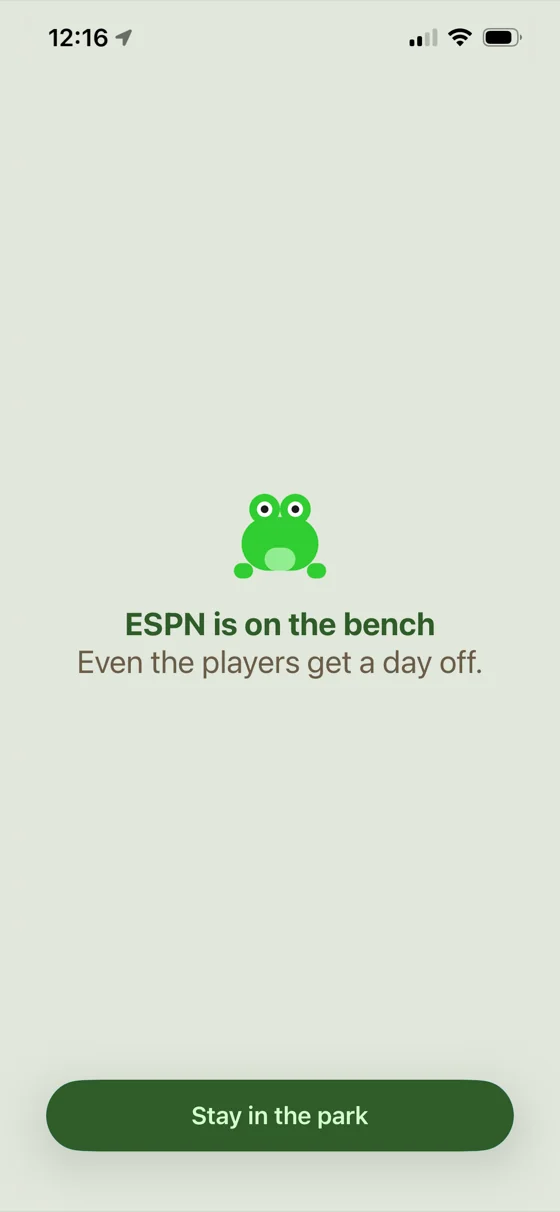
Parkbench block screen for ESPN: a frog with “Even the players get a day off.”
Parkbench block screen for Netflix: a hedgehog with “The show will be here. The light outside won't last forever.”
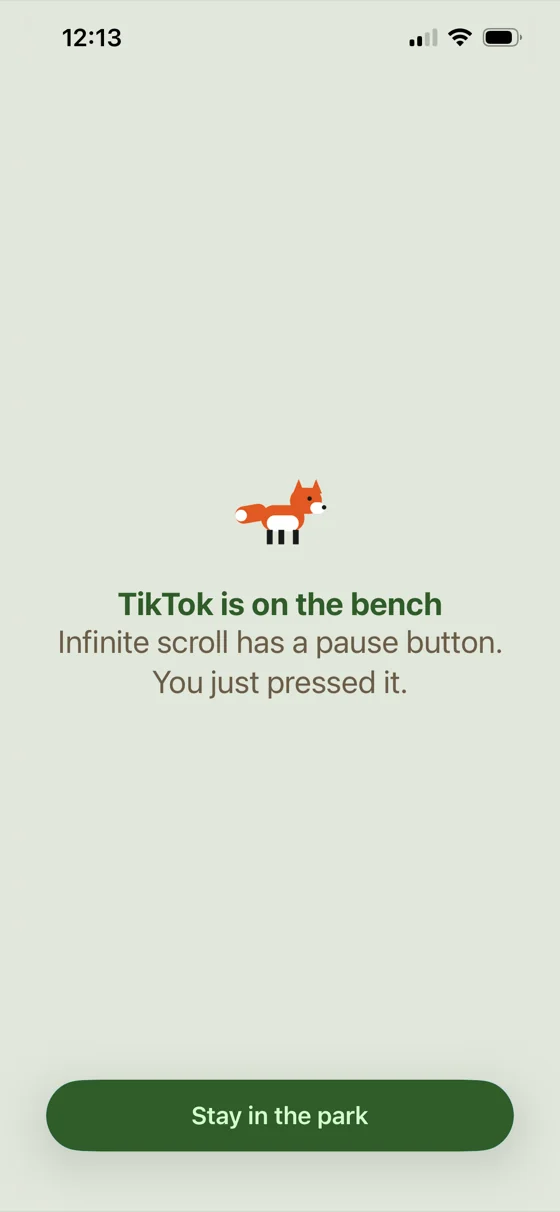
Parkbench block screen for TikTok: a fox with “Infinite scroll has a pause button. You just pressed it.”
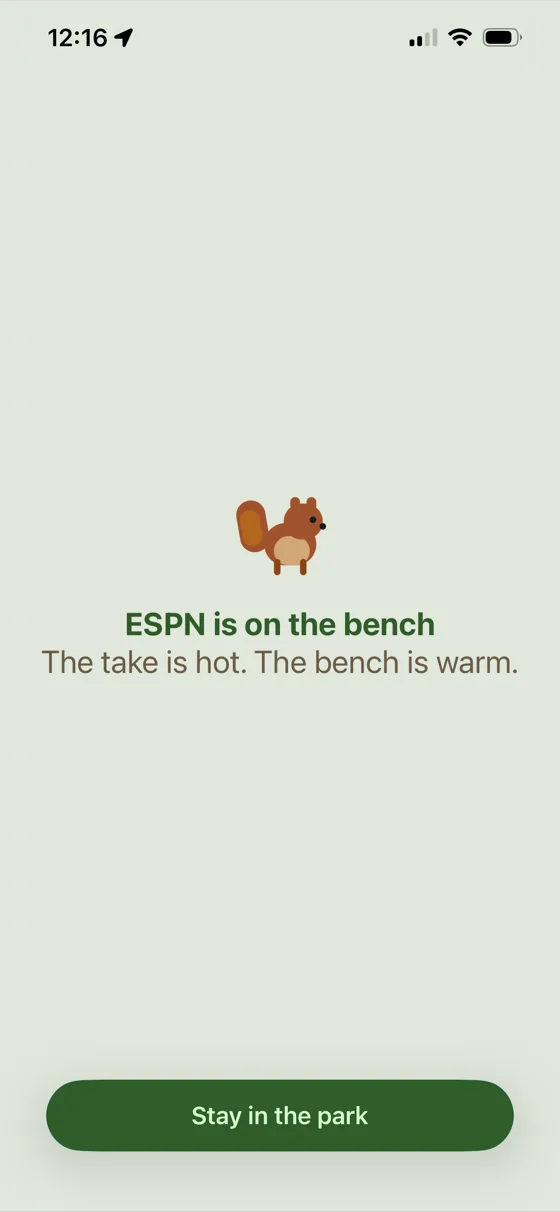
Parkbench block screen for ESPN: a squirrel with “The take is hot. The bench is warm.”
Parkbench block screen for X: a turtle with “Nothing trending out here. Just the wind.”
Parkbench block screen for LinkedIn: a dachshund with “No networking required out here. Just you and the bench.”
Parkbench block screen for the NBA app: a turtle with “Half time. Take it literally.”
Parkbench block screen for Instagram: a fox with “This view doesn't need a caption.”
Parkbench block screen for Facebook: a black dog with a tennis ball and “Some connections don't need WiFi.”
Parkbench block screen for Netflix: an owl with “Plot twist: you go outside.”
Parkbench block screen for ESPN: a frog with “Even the players get a day off.”
Parkbench block screen for Discord: a goldfinch with “The server will survive without you.”
Parkbench block screen for Discord: a raccoon with “The server will survive without you.”
Parkbench block screen for ESPN: a squirrel with “The take is hot. The bench is warm.”
Parkbench block screen for Snapchat: a rabbit with “The streaks will survive. Go touch some grass.”
Parkbench block screen for Reddit: a squirrel with “Banana for scale: the park is bigger than your screen.”
Parkbench block screen for the NBA app: a turtle with “Half time. Take it literally.”
Parkbench block screen for Spotify: a squirrel with “Better acoustics out here.”
Parkbench block screen for YouTube: a cat with “The next video isn't going anywhere. You might be.”
Parkbench block screen for Netflix: an owl with “Plot twist: you go outside.”
Parkbench block screen for Netflix: a hedgehog with “The show will be here. The light outside won't last forever.”
Parkbench block screen for TikTok: a fox with “Infinite scroll has a pause button. You just pressed it.”

A kinder kind of blocked

Reach for a benched app and a park regular greets you instead, with a playful line to steer you back to your day. A different animal every time, so you never know who'll be waiting.

Quietly earned

Collect park patches for the things you already do: streaks kept, hours focused, animals spotted, tags tapped

Streak

14-day streak

Months of quieta day at a time

Set daily goals, reduce your screen time, and look back over your history any time. Just a few minutes less each day can add up over time.

Tuesday
June 16

On the bench

1h 30m
of 2h
TikTok1h
Instagram30m

How you spent your time

7h 12m
Facebook3h 18m
Netflix1h 46m
TikTok1h 12m
Reddit36m

History

June 2026
S
M
T
W
T
F
S
31
1
2
3
4
5
6
7
8
9
10
11
12
13
14
15
16
17
18
19
20
21
22
23
24
25
26
27
28
29
30
1
2
3
4

Room to breathe

Parkbench

Free, forever

$0/mo
  • 1 app and 1 website at a time
  • Bench for up to 8 hours
  • Manual benches, on demand
  • The live park: animals, seasons, weather
  • Patches as you earn them

Parkbench

Premium

The whole park

$2.33/mo

$27.99 billed yearly

  • Unlimited apps and websites
  • Bench for however long you want
  • Bench on a schedule
  • Set app limits
  • Tap to bench
  • Save app groups
  • Full focus history and trends

Reducing screen time shouldn't be a luxury

Parkbench is a one-person project with no investors, so it can stay affordable

Tap to block

Certain apps require a proprietary device or tag that can cost upwards of 200x the price of a generic one. Parkbench doesn't sell you a special tag. It works with any generic one you can find online for under a dollar.

under $1
$39
$43
$59
$79
Parkbench
Bloom
BLOCC
Brick
Unpluq

Bring your own tag

Any generic one. No proprietary device.

Subscription

Parkbench is committed to being among the most affordable, by design. With no marketing budget, no growth targets, and no revenue goals, it can afford to stay that way.

$27.99
$29.99
$29.99
$39.99
$44.99
$49.99
$59.99
$59.99
$99.99
Parkbench
AppBlock
Jomo
Freedom
Clearspace
Refocus
BePresent
Roots
Opal

Prices from June 2026 and may change

Common questions

Apple's Screen Time is one tap to switch off the moment it gets in your way, so it rarely sticks. Parkbench puts the friction in your hands: a short reflection before you give in, one emergency unlock a week, or a strict mode with no way out. It also does more in one place, with schedules, limits, app groups, and tap to bench.

Yes, free forever. You can bench one app and one website at a time for up to eight hours, with the full park, animals, seasons, and patches included. Premium opens it up: unlimited apps and websites, longer benches, schedules, limits, tap to bench, app groups, and your full focus history.

Not yet. Parkbench is launching on iOS first, with plans to bring it to Android in the future.

Parkbench works on any iPhone running iOS 16 or later. If you've updated your phone in the last few years, you're good to go.

Yes. Websites bench just like apps. Add the ones you want blocked and they go quiet the same way.

You're never locked out for good. By default, ending a bench early asks for a short reflection on why you're reaching for the app, and you keep one frictionless unlock each week for real emergencies. Tune it however you like, from no friction at all to a strict mode with no way out.

No. Unlike some apps that lock it behind a special tag or device of their own, tap to bench works with any generic NFC tag, no proprietary device required. You can find one online for under a dollar, or reuse one you already have.

Yes. Blocking runs on your device, not our servers, and we never sell your data. The only thing that leaves your phone is the focus history you'd want to see on a new device. Everything else stays put. Read the full privacy policy for the specifics.

Yes. The blocking runs on your phone, so it keeps working with no signal at all. Your focus history syncs whenever you're back online.

Parkbench is on the App Store, for iPhone.